

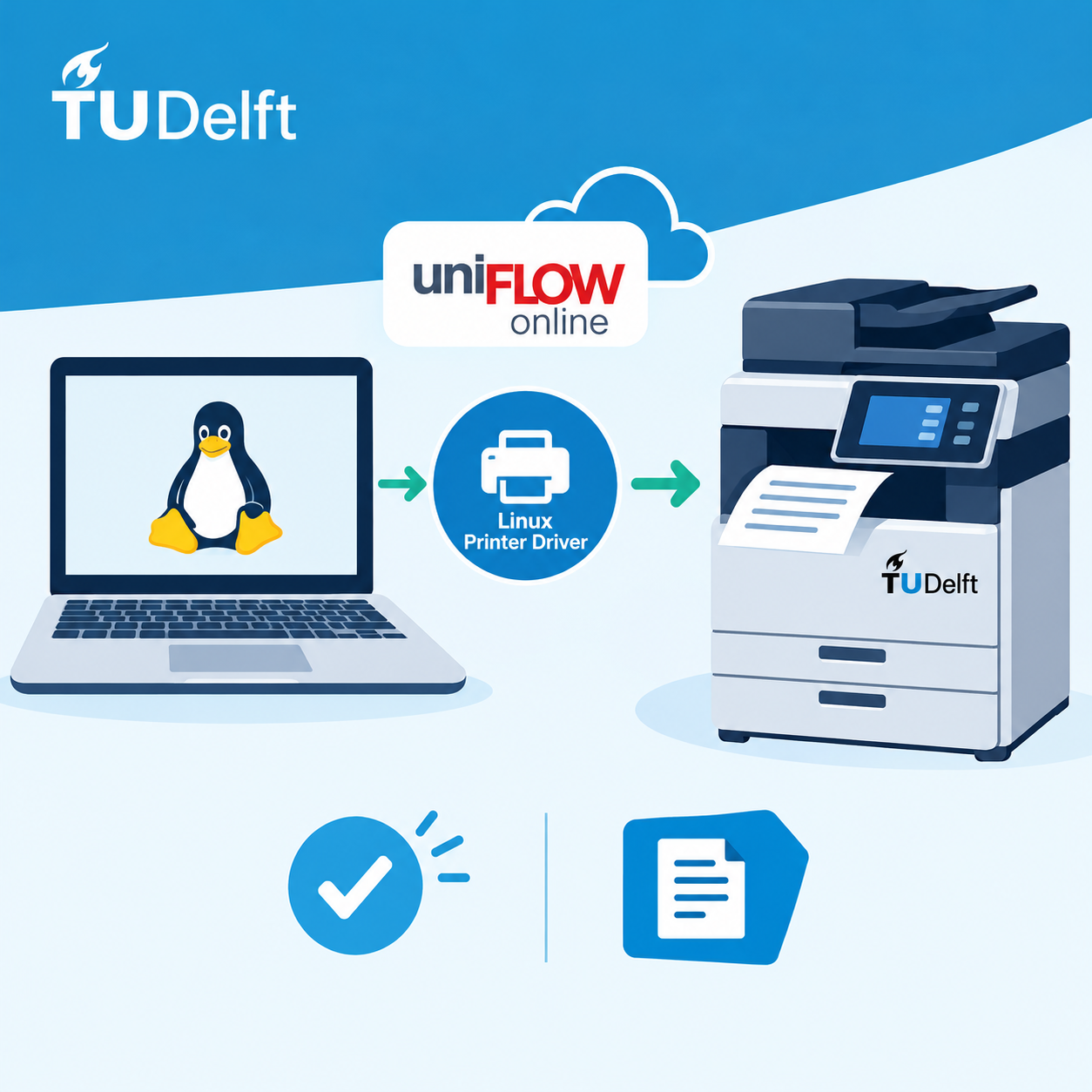
Linux users can now download and use a beta printer driver for uniFLOW Online. This driver enables direct printing from a Linux workstation to TU Delft multifunctional printers.
What does this mean?
Until now, Linux users could only print via the uniFLOW Online web interface. With the availability of this beta driver, it is now possible to print directly from Linux.
Download
The Linux printer driver and installation guide are available via:
- Driver: https://software.tudelft.nl/537/
- Installation guide: https://software.tudelft.nl/download/1850/
Important Information
Please note: this is a beta driver.
The driver has been tested by TU Delft and found to function correctly, but it is provided without support from TU Delft, Canon, or NT-ware. Use of this driver is therefore entirely at your own risk.
Why a Beta Driver?
Canon has indicated that an official Linux SmartClient is not expected to become generally available until the second half of 2027. As we do not want Linux users to wait that long, TU Delft has tested the beta driver and received permission from Canon to make it available to our users in the meantime.
Please note that this timeline is subject to change.
Prefer Not to Use the Beta Driver?
If you cannot or do not wish to use the beta driver, you can continue printing through the uniFLOW Online web interface:
https://print.tudelft.nl
The web interface allows you to upload and print documents without installing the Linux printer driver.
Looking Ahead
As soon as the official SmartClient for Linux becomes available, the beta driver will be replaced by the official supported version.
Support
For general printing questions, please contact the ICT Service Desk.



 English
  Dutch
Dutch