

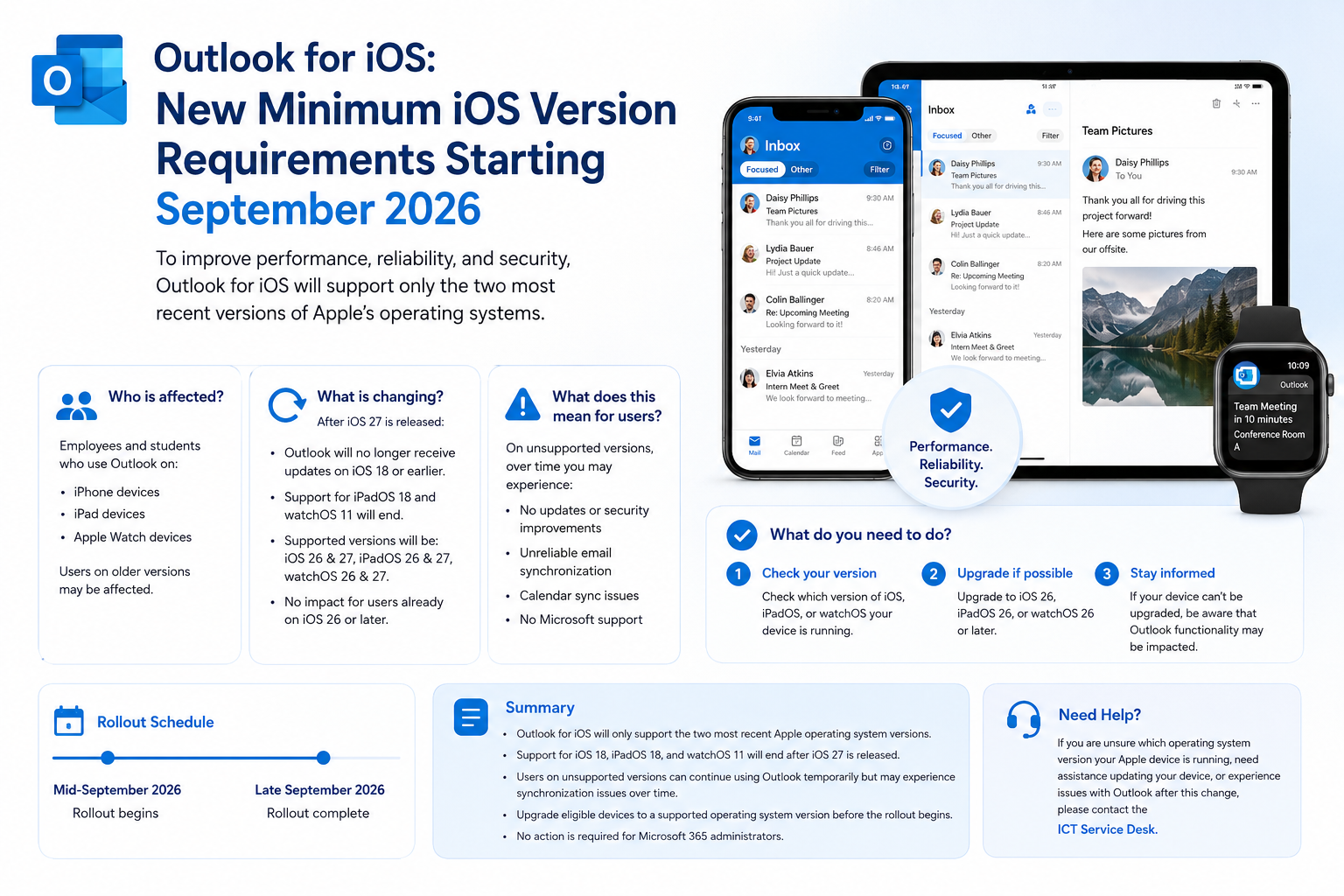
Microsoft is updating the minimum operating system requirements for Outlook for iOS. This change is intended to improve performance, reliability, and security by ensuring Outlook continues to run on the most recent Apple platforms.
Who is affected?
This information is relevant for employees and students who use Outlook on:
- iPhone devices
- iPad devices
- Apple Watch devices
Users running older versions of iOS, iPadOS, or watchOS may be affected by this change.
What is changing?
Following the release of iOS 27, Outlook for iOS will only support the two most recent versions of Apple’s operating systems.
After iOS 27 becomes generally available:
- Outlook for iOS will no longer receive updates on devices running iOS 18 or earlier.
- Support for iPadOS 18 and watchOS 11 will also end.
- Supported versions will be iOS 26 and iOS 27, iPadOS 26 and iPadOS 27, and watchOS 26 and watchOS 27.
- This change does not affect users who are already running iOS 26 or later.
What does this mean for users?
Users with unsupported operating system versions can continue using the last compatible version of Outlook.
However, over time:
- Outlook may stop receiving updates and security improvements.
- Email synchronization may become unreliable.
- Calendar synchronization may stop functioning correctly.
- Microsoft support may no longer be available for affected devices.
What do you need to do?
If you use Outlook on an Apple device:
- Check which version of iOS, iPadOS, or watchOS your device is running.
- If possible, upgrade your device to iOS 26, iPadOS 26, or watchOS 26 or later.
- If your device cannot be upgraded, be aware that Outlook functionality may be impacted in the future.
Rollout Schedule
Microsoft expects this change to be introduced:
- Starting in mid-September 2026
- Completed by late September 2026
Summary
- Outlook for iOS will only support the two most recent Apple operating system versions.
- Support for iOS 18, iPadOS 18, and watchOS 11 will end after iOS 27 is released.
- Users on unsupported versions can continue using Outlook temporarily but may experience synchronization issues over time.
- Users should upgrade eligible devices to a supported operating system version before the rollout begins.
- No action is required for Microsoft 365 administrators.
Need Help?
If you are unsure which operating system version your Apple device is running, need assistance updating your device, or experience issues with Outlook after this change, please contact the ICT Service Desk.




 English
  Dutch
Dutch