

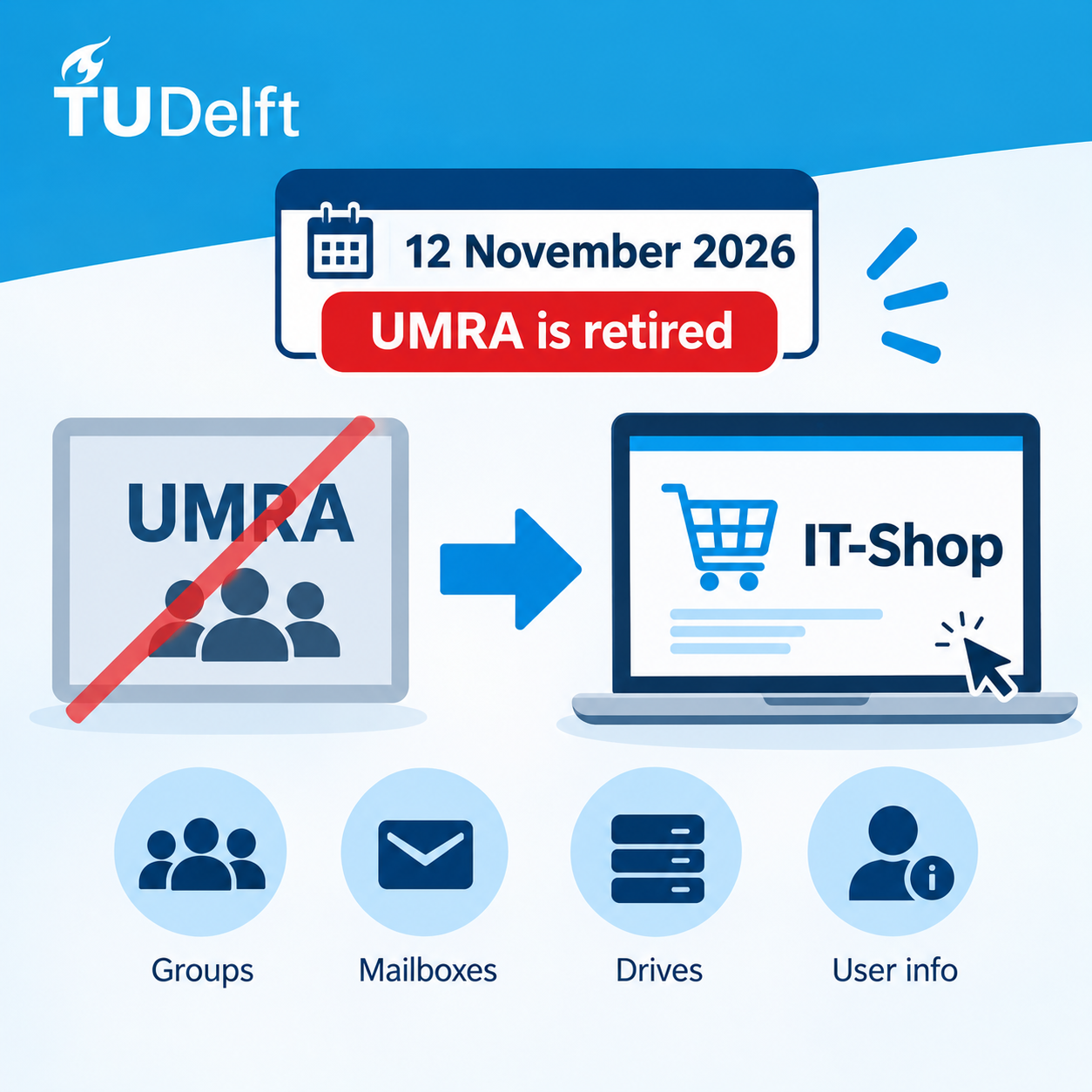
On 12 November 2026, the UMRA application will be permanently decommissioned. From that date onwards, the functions previously managed through UMRA will be available via the IT-Shop or the Self Service Portal (TOPdesk).
If you do not use UMRA, no action is required and nothing will change for you.
Why Is This Changing?
TU Delft is consolidating identity and access management into a single central platform: the IT-Shop. This allows requests to be processed in a more consistent manner, improves control mechanisms, and introduces approval workflows where needed. As a result, the security and reliability of our systems are further enhanced.
Who Is Affected?
This change is relevant for users who currently use UMRA to manage:
- Groups and group memberships
- Functional mailboxes
- Network and project drives
- User information
This mainly applies to secretariats and support staff within faculties and service departments.
What Will Change?
New Access Portal
You will access the IT-Shop through: https://authportal.tudelft.nl
Any shortcuts to UMRA on your desktop or bastion host will stop working after 12 November and will automatically be removed.
Sign In with Your NetID
You can sign in using your regular NetID and password. A separate administrative (sup) account is no longer required.
Shopping Cart-Based Requests
The IT-Shop works like an online store. Select the required service, add it to your shopping cart, and submit your request.
Processing Time
Unlike UMRA, where changes were applied immediately, requests submitted through the IT-Shop first go through validation and approval processes. Some requests may require approval from an authorized person before they are completed.
Existing Permissions Remain Unchanged
All permissions and access rights currently available to you through UMRA have been transferred to the new platform.
Where Can I Find Specific Functions?
Manage Groups and Group Memberships
This functionality is available through the IT-Shop. Product names largely correspond to those previously available in UMRA and are offered in both Dutch and English.
Requests for group management permissions must still be submitted through TOPdesk.
Access to Functional Mailboxes
Mailbox owners can manage access through the IT-Shop.
Requests for new functional mailboxes must continue to be submitted through the Self Service Portal.
Access to Network and Project Drives
Requests for access to network and project drives should currently be submitted through the Self Service Portal (TOPdesk).
A dedicated self-service solution for these requests will become available at a later stage.
Increase H-Drive Storage
Requests to increase H-drive storage can be submitted through the IT-Shop, up to a maximum of 200 GB.
All requests are reviewed before additional storage is assigned.
Retrieve User Information
The IT-Shop allows you to search for users within the groups you manage.
The requested information will be provided by email.
Account Unlocking
The manual account unlocking function previously available in UMRA will be discontinued. Locked accounts will be released automatically.
What Can You Do Now?
- Save https://authportal.tudelft.nl as a favourite in your browser.
- Review the IT-Shop documentation at https://www.tudelft.nl/ict-handleidingen/it-shop.
- Familiarize yourself with the processes that will be managed through the IT-Shop after 12 November.
Support
If you have questions about the transition from UMRA to the IT-Shop or experience any issues, please contact the ICT Service Desk.

 English
 Dutch